
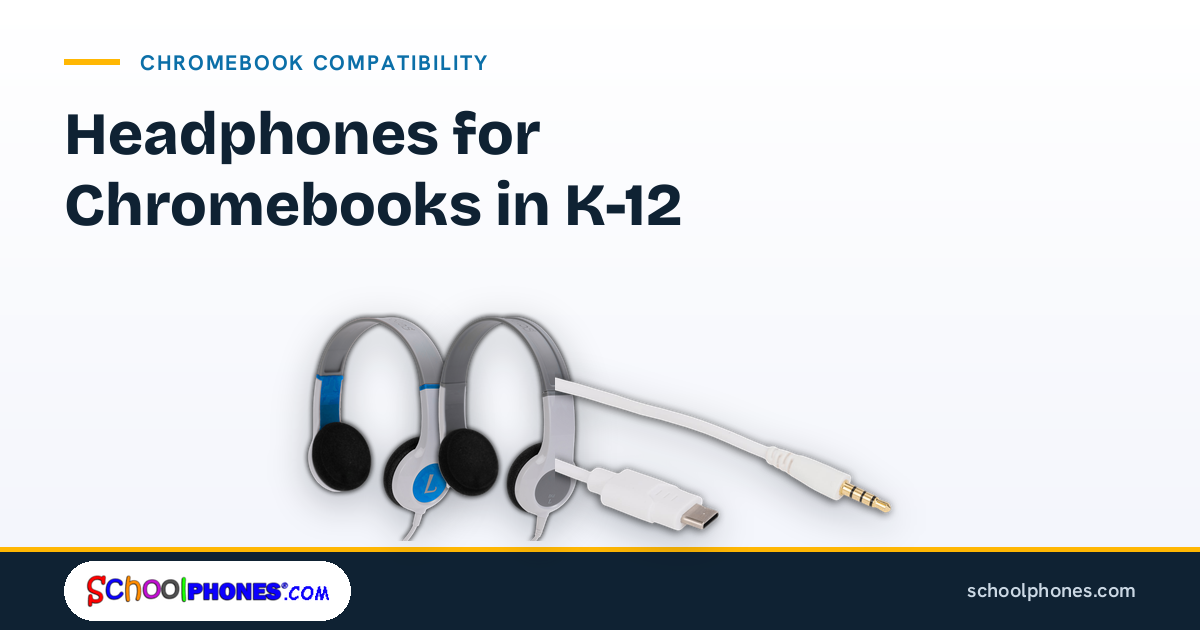
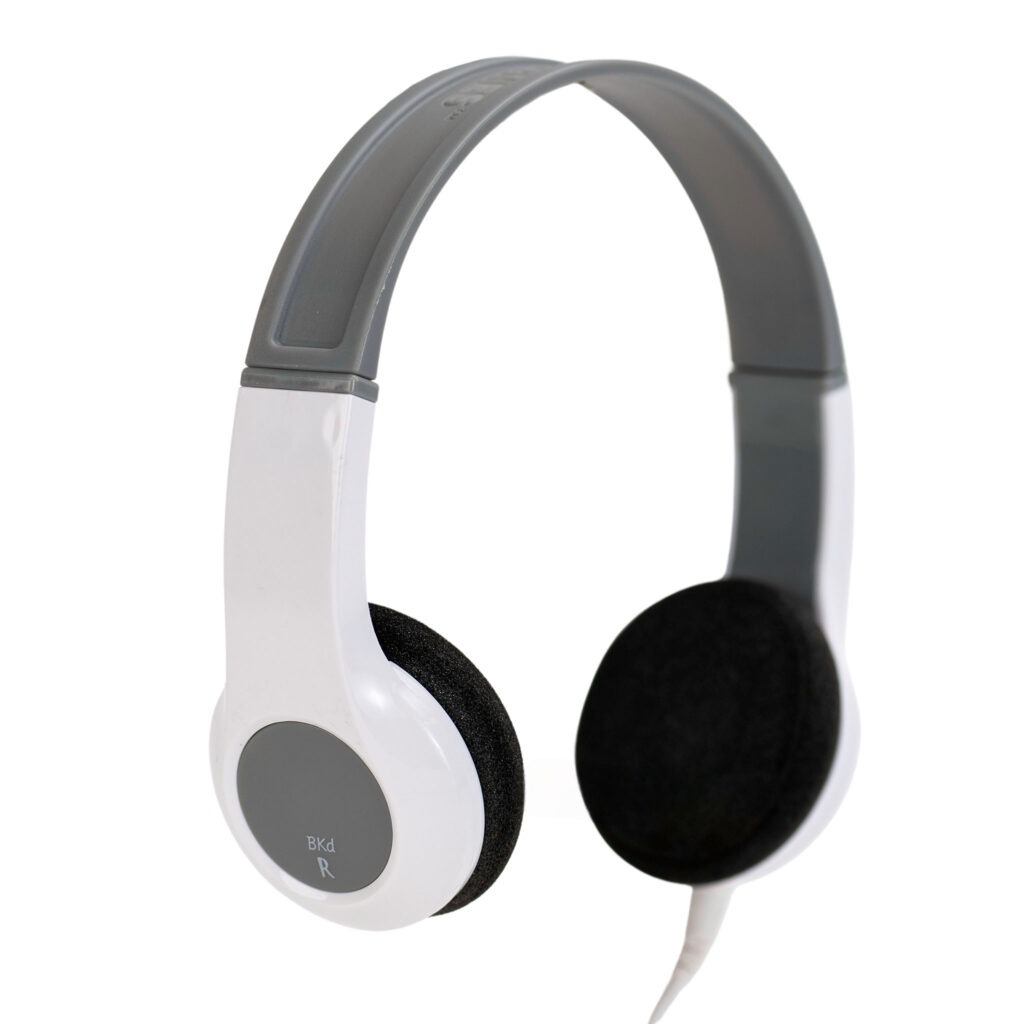
Chromebooks are now a standard classroom device in many K-12 schools, but audio compatibility is not always as simple as it looks. Port changes, testing requirements, and daily student wear all affect which headphones for Chromebooks will hold up in real school use. This guide walks through the practical details teachers, IT teams, and purchasing staff should review before placing a bulk order.
At SchoolPHONES®, the goal is straightforward: help schools standardize student audio with durable, classroom-ready options that are easy to support. For most schools, that starts with a 1:1 headphone-to-student model so each student has a dedicated set for hygiene, accountability, fit, and longer service life.
Why Chromebook audio compatibility still causes problems
On paper, Chromebook audio seems simple. In practice, schools often manage mixed device fleets, different Chromebook generations, and a combination of classroom, testing, and intervention use cases. That is where compatibility issues usually begin.
Chromebook ports are not consistent across all models
Some Chromebooks include a 3.5mm audio jack, some rely heavily on USB-C, and some newer models may require schools to think carefully about adapters and charging workflows. Even within one district, elementary, middle, and high school carts may not match.
Before buying, confirm the exact port configuration on the student devices that will use the headphones. A district-wide assumption such as “all Chromebooks have headphone jacks” can create avoidable support issues when devices arrive in classrooms.
Education apps and testing platforms add another layer
Not every listening activity has the same audio demands. A student using text-to-speech in a reading intervention block may only need dependable stereo playback. A student taking an online assessment may need a model that aligns with testing expectations and works consistently across managed devices.
If your district is preparing for assessments, it helps to review headphones for online testing alongside general Chromebook compatibility so classroom purchases also support testing windows.
Shared assumptions create support tickets
Many audio problems blamed on the headphones are actually caused by mismatched plugs, worn adapters, damaged cables, or inconsistent student handling. Standardizing on one approved model for a grade band or device group reduces troubleshooting time for teachers and IT staff.
A dedicated headphone assigned to each student also makes it easier to identify damage, maintain hygiene, and reduce the confusion that comes with communal sets moving between classrooms.
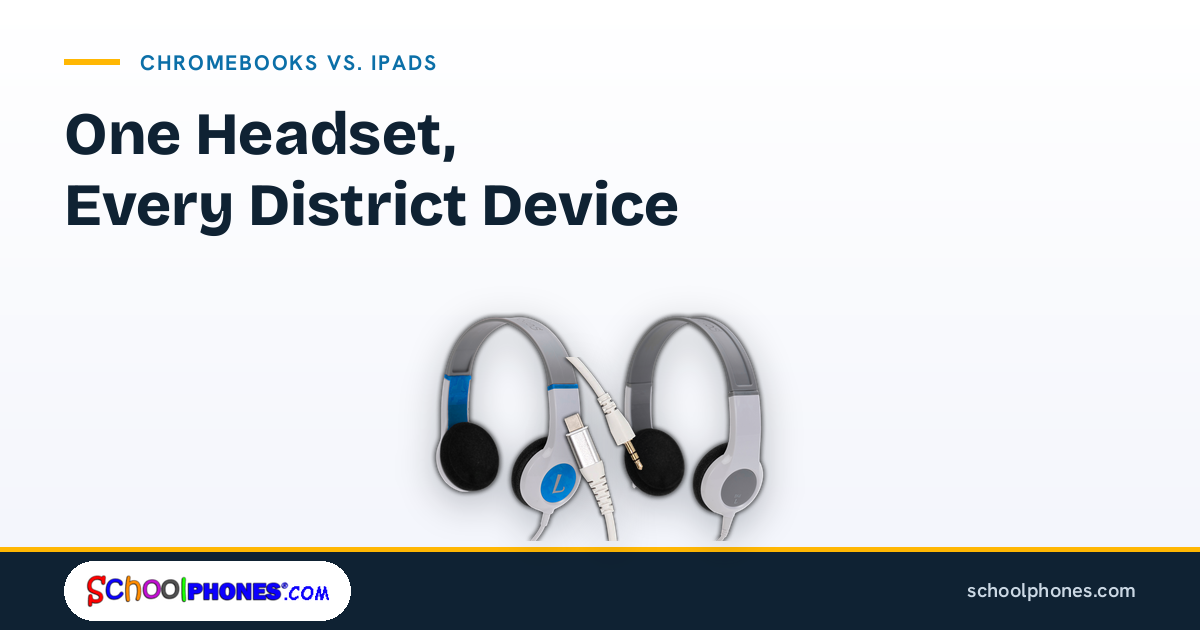
3.5mm, USB-C, and adapter options explained
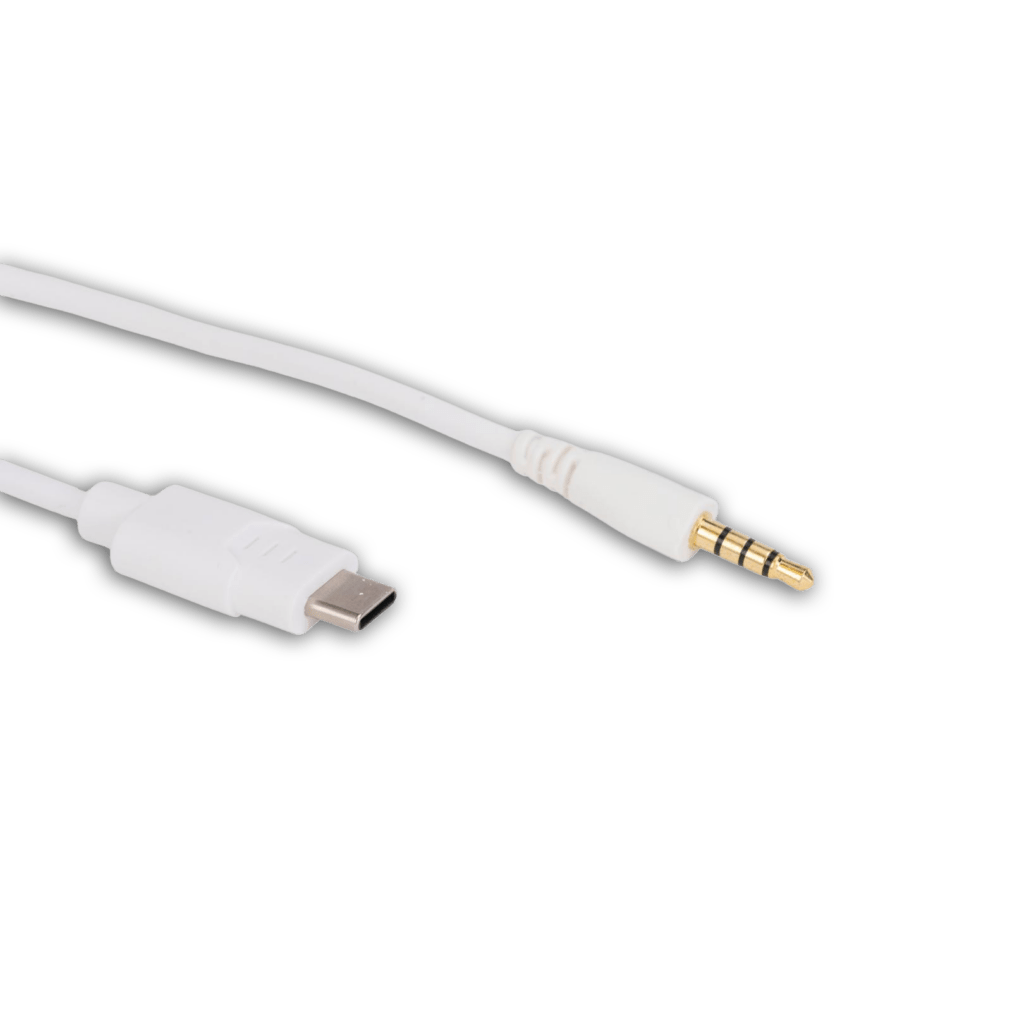
The best connection type depends on your Chromebook fleet, your replacement strategy, and how much flexibility you want over time. For most K-12 buyers, the decision comes down to 3.5mm, USB-C, or a modular approach.
3.5mm headphones: still the simplest option for many schools
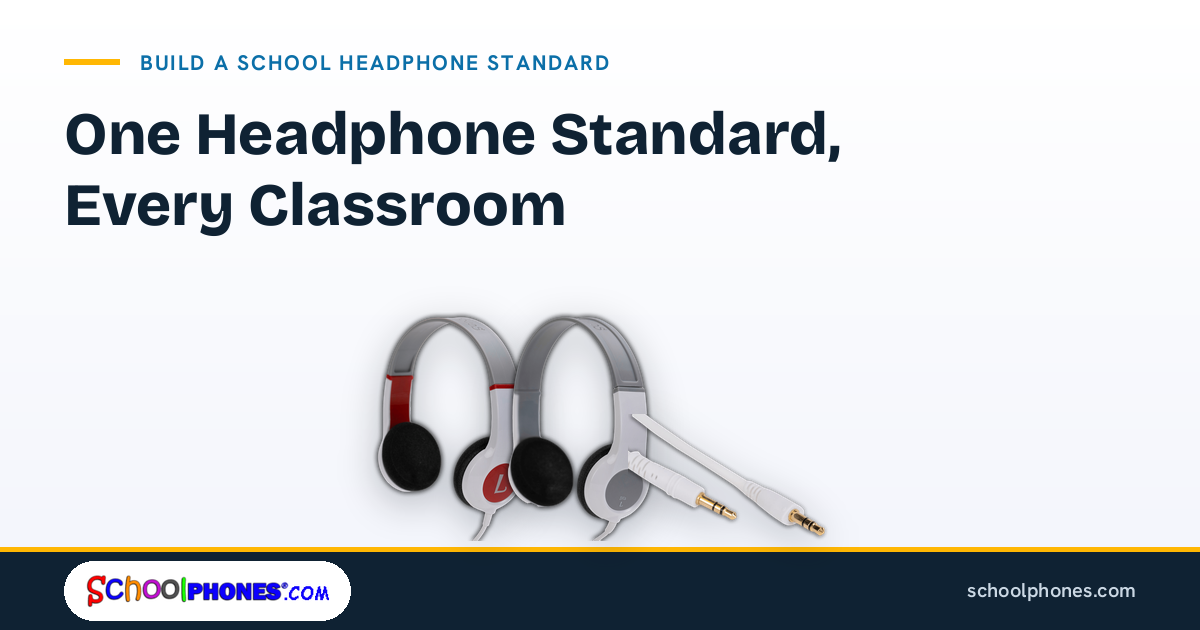
If your Chromebooks include a standard headphone jack, 3.5mm headphones are often the easiest choice. They are familiar to staff, quick for students to connect, and generally straightforward to support in classrooms.
They also work well in mixed-device environments where the same student may use a Chromebook one period and a tablet or desktop another period. Schools that need broad compatibility often start with a durable 3.5mm model because it reduces friction across devices.
For districts comparing classroom-ready options, school headphones and media headsets can help narrow down models built for education use rather than consumer use.
USB-C headphones: useful when your device fleet is standardized
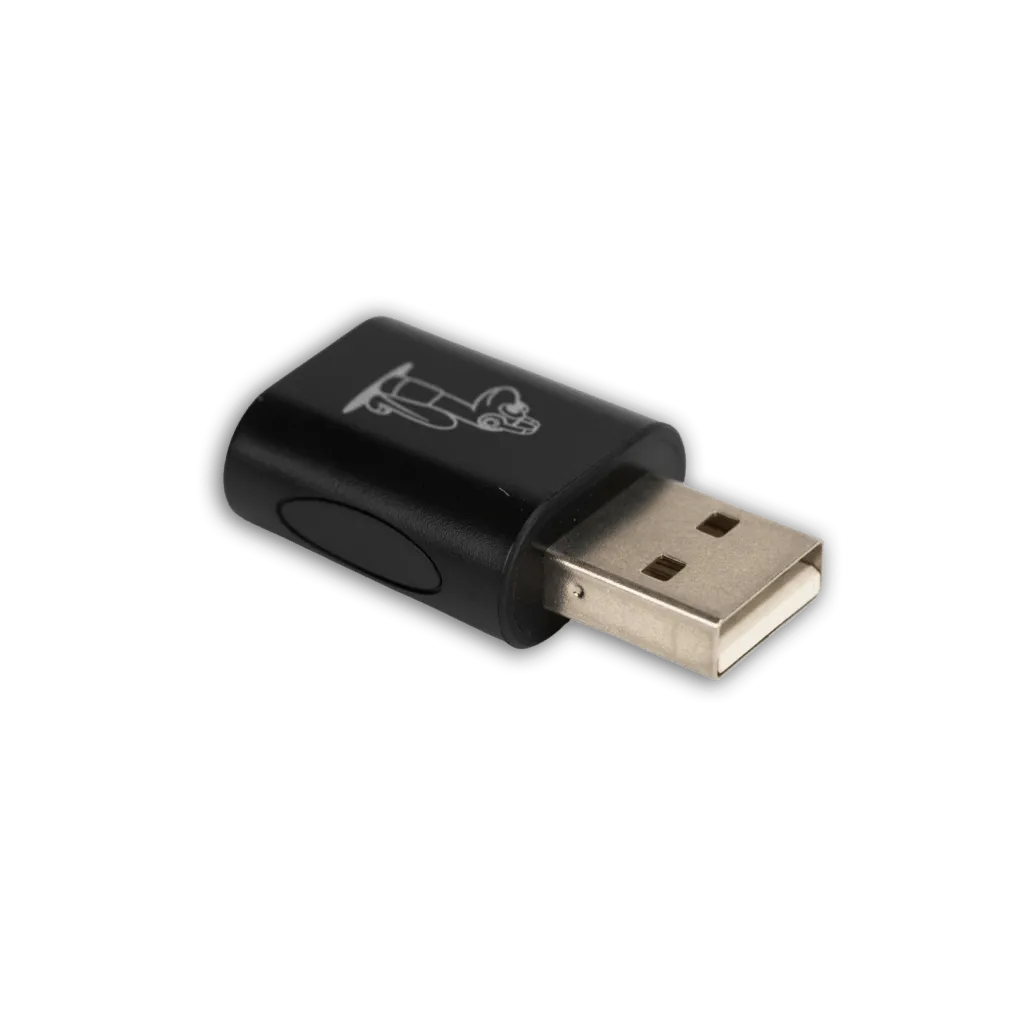
USB-C can be a practical choice when a district has standardized on Chromebook models without reliable use of a 3.5mm jack, or when IT wants a more uniform digital connection path. The tradeoff is that USB-C accessories can be less flexible if students also use older devices or other classroom hardware.
Before choosing USB-C at scale, verify that your device management settings, testing platforms, and classroom apps recognize the headphones consistently. It is also worth checking whether students will need to charge devices while using audio during longer sessions.
Adapters can solve problems, but they can also create them
Adapters are sometimes necessary, especially in mixed fleets. But every adapter adds another failure point. Small parts are easier to lose, easier to damage, and harder for younger students to manage independently.
If your district must use adapters, document exactly which adapter is approved for each Chromebook model and test it with your core instructional and assessment tools before ordering in volume.
Modular designs can extend service life
For schools trying to balance compatibility with long-term value, modular headphones can be especially useful. A replaceable or detachable cable can help schools adapt to changing device ports without replacing the entire headphone.
That is one reason some districts look at a modular school testing media headphone when they want flexibility across Chromebook, testing, and classroom listening needs.
Durability features that matter in daily classroom use
School headphones do not fail in the same way home headphones do. In K-12 settings, they are handled by many age groups, packed into desks and carts, and used day after day during transitions, testing, and intervention blocks. Durability should be evaluated through that lens.
Look for reinforced stress points
The most common failure areas are usually the plug, cable entry points, and headband. Reinforced connections and strain relief matter because students often pull by the cord instead of the plug. A headphone that looks fine on day one can fail quickly if those stress points are weak.
Choose a cable style that fits the classroom
Cable length and cable type affect usability more than many buyers expect. A cable that is too long can snag on desks and chair legs. A cable that is too short can create tension at the port. Detachable cables can be helpful because they simplify replacement when the cable is damaged.
Volume limiting is important for student use
For elementary and general classroom use, volume-limited headphones can support safer listening habits. SchoolPHONES® applies 85 dB hardware volume limiting to the K6 series for younger students and leaves the BK series full range for older students, which is especially relevant when students use audio regularly for literacy, language learning, and independent work.
Comfort affects instructional time
If headphones pinch, slip, or feel too large for younger students, teachers lose time adjusting equipment instead of teaching. Lightweight designs, age-appropriate fit, and easy-to-clean ear cushions all matter in real classroom routines.
Schools serving younger grades may also want to compare options specifically designed as headphones for kids so fit and durability are considered together.
How to match headphones to testing, reading, and lab workflows
The right headphone for a Chromebook depends on what students are actually doing. A district purchase works better when it is tied to instructional workflows instead of a generic device list.
For standardized and state testing
Testing requires consistency. Schools should confirm whether students only need audio playback or whether microphones are required for any part of the assessment environment. They should also review state and platform guidance before finalizing a model.
For planning purposes, district teams can review the headphones standardized testing guide by state to align purchases with assessment use cases.
Testing is also one of the clearest reasons to maintain a 1:1 headphone-to-student model. Dedicated student headphones reduce hygiene concerns, minimize fit issues during high-stakes sessions, and make it easier to verify that every student has working equipment before test day.
For reading intervention and everyday classroom listening
In literacy blocks, students may use text-to-speech, phonics programs, audiobooks, or language support tools. Here, comfort, simple plug-and-play use, and volume limiting often matter more than advanced features.
Teachers benefit from headphones that students can connect independently and store easily. Districts benefit from models that are durable enough to stay in service across the school year.
For labs, libraries, and media centers
Lab environments often involve longer sessions and more structured device setups. In these spaces, cable management, easy cleaning, and consistent compatibility across stations become more important. If students move between Chromebook carts and fixed workstations, a standardized model can reduce setup time and support requests.
For mixed-device classrooms
Some classrooms use Chromebooks alongside tablets and iPads. In those cases, buyers should prioritize the connection type and form factor that will work across the widest range of devices without adding unnecessary adapters. If your classrooms regularly switch between platforms, it may also help to review guidance on headphones for tablets when comparing options.
Simple procurement checklist for district buyers
Bulk headphone purchases go more smoothly when procurement, IT, and instructional staff agree on a short list of requirements before quotes are requested. A practical checklist can prevent returns, compatibility issues, and midyear replacement surprises.
Confirm these specifications before ordering
- Exact Chromebook models and port types in use
- Whether headphones are needed for testing, daily instruction, or both
- Whether a microphone is required
- Preferred connection type: 3.5mm, USB-C, or modular
- Age range and fit needs by grade band
- Volume-limiting requirements for student safety
- Cable length and storage considerations
- Replacement part availability, especially cables and ear cushions
Standardize where possible
Many districts save time by approving one model for elementary classrooms and one model for secondary or testing use, rather than allowing many different consumer models into the environment. Standardization simplifies support, training, and reordering.
Plan around a 1:1 student assignment
Assigning one dedicated headphone to each student is usually the most practical long-term approach. It supports hygiene, reduces wear from constant redistribution, improves accountability, and helps students become familiar with their own equipment. For schools already operating 1:1 with Chromebooks, matching that model with 1:1 student audio is a logical next step.
Test a sample before a full rollout
Before placing a district-wide order, test a sample set with your actual Chromebook models, your managed settings, and your most-used instructional and assessment platforms. A short pilot can reveal issues with fit, cable length, adapters, or student handling before they affect hundreds of classrooms.
If your team is ready to standardize audio for Chromebook classrooms, the next practical step is to request a bulk quote or shop durable school headphones at SchoolPHONES®.com.
FAQ
Do all Chromebooks work with 3.5mm headphones?
No. Many Chromebooks include a 3.5mm audio jack, but not all models do. Districts should verify the exact ports on their current devices before ordering headphones in bulk.
Are USB-C headphones better for Chromebooks?
Not always. USB-C headphones can work well in a standardized device fleet, but 3.5mm models are often more flexible across mixed classroom devices. The better choice depends on your Chromebook models and how students use audio.
What durability features matter most in school headphones?
Look closely at reinforced plugs, strain relief, durable headbands, and replaceable or detachable cables. These are the areas most likely to affect service life in daily classroom use.
Should schools assign one headphone per student?
Yes. A 1:1 headphone-to-student model is the better approach for hygiene, accountability, fit, and durability. Dedicated student headphones also simplify classroom routines and testing preparation.
Do schools need different headphones for testing and classroom use?
Sometimes. If testing requirements differ from everyday listening needs, schools may need a separate approved model. In many cases, though, a durable classroom headphone can be selected to support both uses if compatibility is confirmed in advance.

Leave a Comment!