
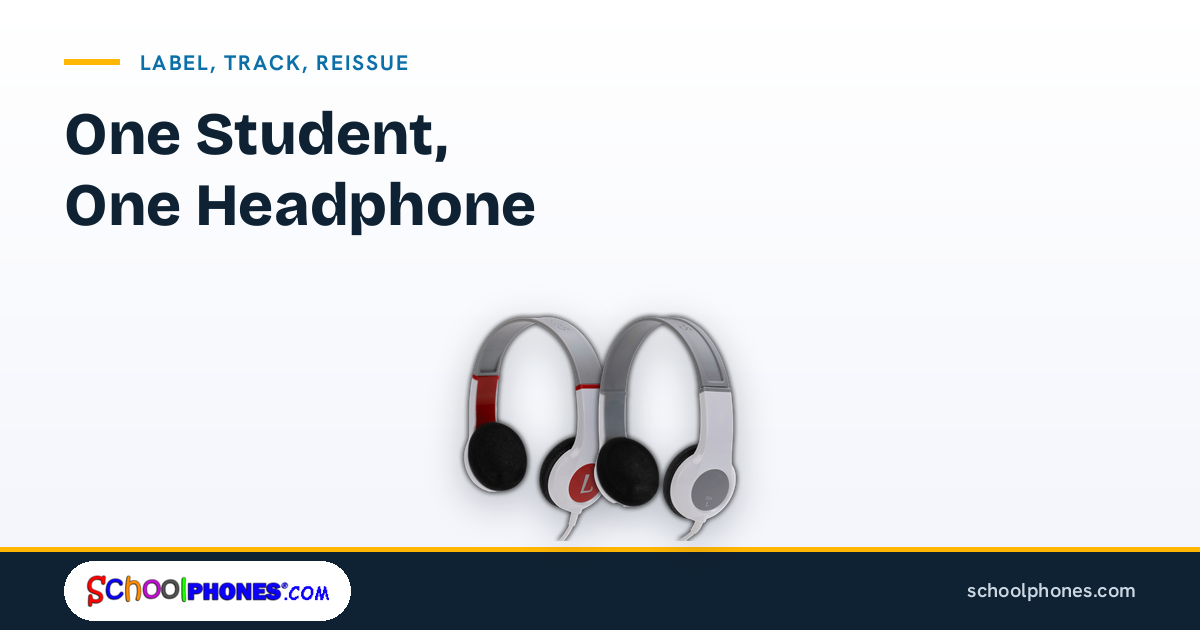
In many K-12 classrooms, headphones are no longer occasional supplies. They are part of daily instruction for literacy programs, videos, assessments, language learning, and device-based intervention. Schools also need to plan for audio requirements during online and standardized testing, which makes a consistent student headphone system easier to manage across classrooms and grade levels.
A one-to-one assignment model, where each student has one dedicated set, is usually the most practical way to reduce mix-ups and improve accountability. For teachers, IT teams, and purchasing staff, the goal is not just buying student headphones. It is creating a process for labeling, tracking, reissuing, and replacing them in a way that holds up over a full school year.
Why one headphone per student works best
Assigning one dedicated set of student headphones to each learner simplifies nearly every part of classroom audio management. It supports hygiene, makes ownership clear, and reduces the time teachers spend sorting unidentified equipment.
It improves hygiene and student comfort
Headphones sit directly on the ears or head, so individual assignment is the cleaner and more practical option. A dedicated set also helps students get used to the same fit, ear cushion feel, and cable length each time they log in for classwork or testing.
It creates clear accountability
When a headphone is assigned to one student, it is easier to identify missing parts, damage, or repeated misuse. Teachers do not have to guess who last used a set. That matters when you are managing a full class, multiple sections, or a district-wide device program.
It reduces classroom downtime
Shared bins often lead to tangled cords, mismatched adapters, and extra time spent checking whether a set still works. A one-to-one model lets staff issue headphones once, document the assignment, and reissue the same set to the same student as needed.
It aligns better with testing readiness
Many schools need dependable audio for assessments. If your district is planning for testing, it helps to standardize headphone assignment before test windows begin. School teams can review headphones for online testing and compare those needs with their everyday classroom setup so students are using familiar equipment.

Labeling systems that reduce mix-ups
The best labeling system is the one staff can apply quickly and read easily. Labels should stay attached through daily handling, storage, and transport between home rooms, carts, or testing spaces.
Use two identifiers, not one
A single student name can work in a small classroom, but district programs usually need a second identifier. A practical label often includes:
- Student name or student ID
- Teacher name, class period, or homeroom
- Room number or school code for district inventory
This makes it easier to return a misplaced set even if the student label is hard to read or the student changes sections.
Choose label placement carefully
Place labels where they are visible but less likely to peel from repeated handling. Common options include:
- The headband exterior
- The cable tag near the plug
- A storage bag or case assigned to the student
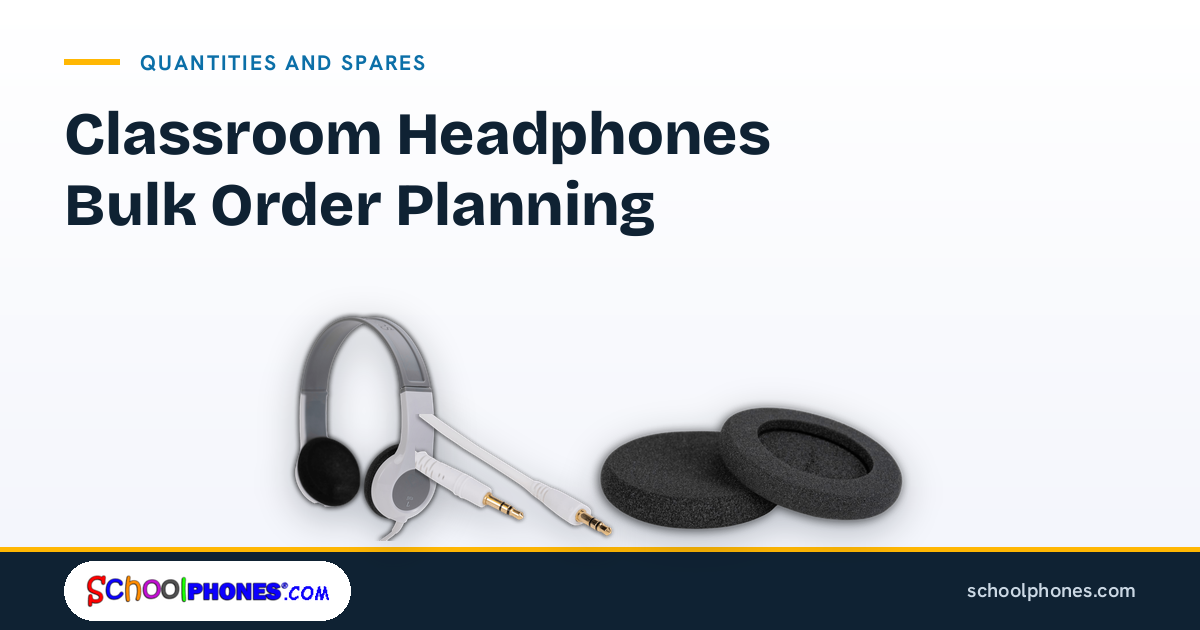
If your headphones use detachable cables, label both the headset and the cable so parts do not get separated without identification.
Color-code by grade, room, or program
Color-coding is useful when schools issue large numbers of student headphones across multiple classrooms. For example:
- Blue labels for grade 3
- Green labels for intervention carts
- Yellow labels for media center checkout to specific students
Color should support the written label, not replace it. Staff still need a readable student or class identifier for reissue and recordkeeping.
Keep the label format standardized district-wide
If each school or teacher uses a different format, reassignment becomes harder. A simple district template helps. For example: school code – room number – student ID. Standardization is especially helpful for procurement teams ordering in volume and for IT staff supporting multiple buildings.
When selecting equipment, it also helps to choose models designed for school use rather than consumer sets with limited durability. SchoolPHONES® focuses on classroom-ready audio options built for repeated K-12 use, including school headphones and media headsets that fit common device environments.
Tracking headphones by class, room, or student
Labeling identifies the item. Tracking documents where it belongs and what condition it is in. Schools do not always need a complex asset platform for student headphones, but they do need a consistent record.
Start with the assignment level that matches your program
Most schools track headphones in one of three ways:
- By student: best for one-to-one programs and long-term assignment
- By class or homeroom: useful when teachers manage all equipment directly
- By room or cart: practical for labs, testing carts, and centralized deployment
For the strongest accountability, student-level assignment is usually the best fit. It supports the one-headphone-per-student model and makes reissue straightforward after summer, schedule changes, or temporary collection.
Use a simple inventory sheet
Your tracking sheet can be digital or paper-based, as long as it is updated consistently. Include:
- Headphone model
- Assigned student name or ID
- Teacher or room
- Date issued
- Condition at issue
- Notes on cable, ear cushions, or adapter
- Date returned or reissued
This record helps staff spot patterns, such as repeated cable damage in one grade band or a model mismatch with certain devices.
Match the headphone to the device type
Tracking works better when schools standardize by device environment. If one grade uses tablets and another uses laptops, document which headphone type belongs with each setup. That reduces adapter confusion and helps purchasing teams reorder the right configuration.
For example, schools using Apple devices may want to review headphones for iPads, while mixed mobile-device programs may compare options for headphones for tablets. Compatibility planning at the purchasing stage prevents avoidable reassignment problems later.
Build reissue into your calendar
Do not wait until testing week or end-of-year collection to check records. Set routine checkpoints:
- Beginning of year issue
- Quarterly condition review
- Midyear student transfer updates
- Pre-testing verification
- End-of-year collection and replacement planning
These checkpoints make it easier to reissue the same student headphones to the same learner after breaks, classroom moves, or summer storage.

Cleaning and inspection between uses
In a one-to-one model, cleaning is still important during collection, storage, and reissue. The difference is that schools are maintaining an individually assigned item rather than rotating shared sets among students.
Inspect before reissuing
When headphones are collected for summer, testing transitions, or student schedule changes, inspect each set before it goes back out. Check:
- Plug condition
- Cable fraying or exposed wire
- Loose ear cups or cracked headbands
- Worn ear cushions
- Missing adapters or detachable cables
- Basic left/right audio function
A quick inspection prevents a nonworking set from reaching a student during instruction time.
Clean according to manufacturer guidance
Use the care instructions provided for the specific headphone model and avoid saturating electronic parts. In general, staff should focus on wiping exterior surfaces, allowing items to dry fully, and checking that cushions and cables are intact before storage.
It is also helpful to train classroom staff on what not to do, such as wrapping cords too tightly, pulling by the cable instead of the plug, or storing headphones under heavy devices.
Document condition changes
If a set comes back with damage, note whether the issue is cosmetic, repairable, or a full replacement case. Over time, these notes help schools identify whether problems are tied to storage methods, age group, or a device setup that puts extra strain on cables and connectors.
When to replace instead of repair
Not every damaged set should stay in circulation. Schools save time when they define in advance which issues justify replacement and which can be handled with a part swap or minor fix.
Replace when function or safety is affected
Plan to replace student headphones when you find:
- Intermittent or lost audio
- Exposed wiring
- Broken plugs
- Cracked structural parts that affect fit
- Repeated failures after prior repair attempts
For testing and daily instruction, unreliable audio creates avoidable disruptions. A set that only works when the cable is held at a certain angle is already costing staff time.
Repair or refresh when the core unit is still sound
If the headphone design supports replaceable parts, schools may be able to extend service life by replacing detachable cables or worn accessories rather than discarding the full unit. This is one reason many K-12 teams prefer modular school audio products over sealed consumer models.
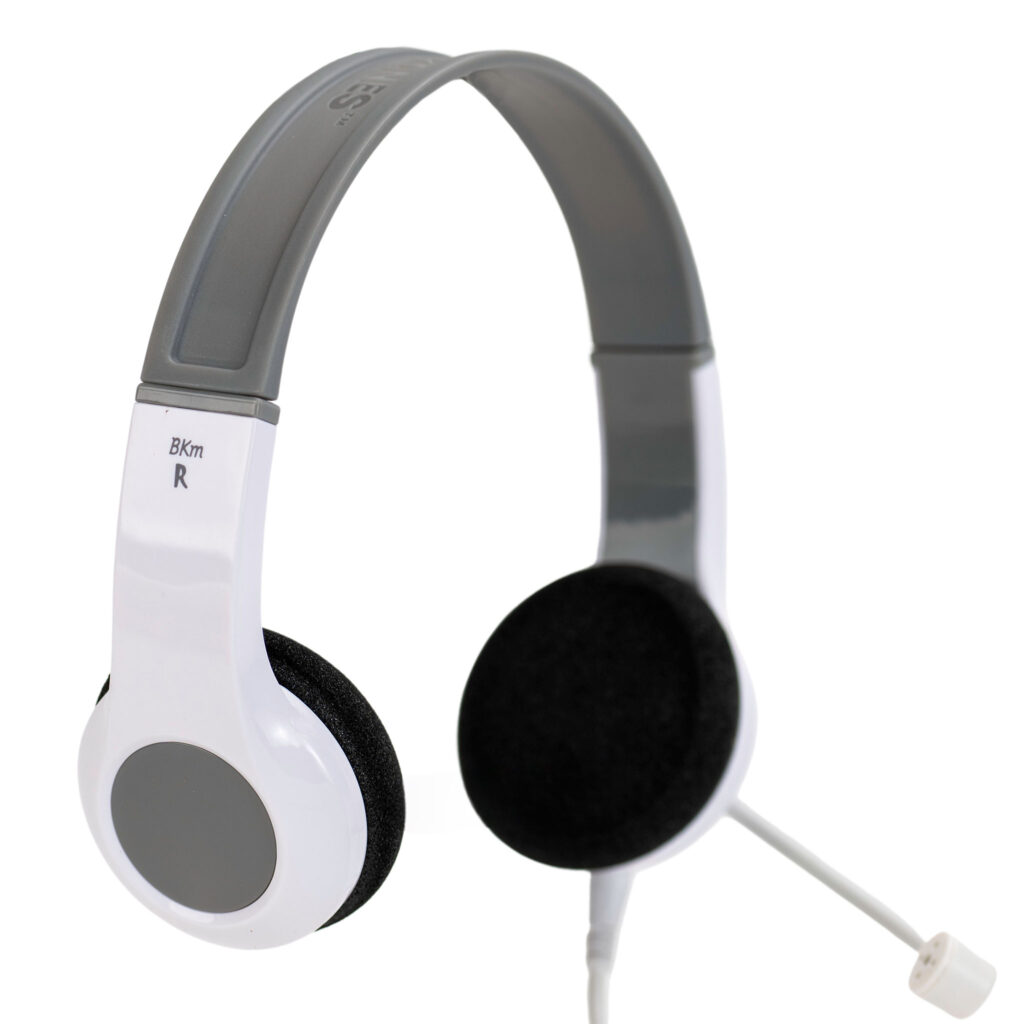
For schools buying at scale, durable models such as the BKS bulk school headphone can make standardization easier across classrooms, especially when districts want a consistent fit, straightforward labeling, and predictable reordering.
Use replacement data to improve future purchasing
Replacement decisions should feed back into procurement planning. Review which grades, rooms, or use cases generate the most wear. If headphones are primarily used for assessments, compare your inventory against your state’s audio requirements and device mix before the next order cycle. District teams can use this standardized testing headphones guide by state as a starting point for planning.
A practical next step is to audit your current inventory by student, room, and condition, then standardize one label format and one tracking sheet across the school or district. If you need to refresh inventory for a one-to-one program, request a bulk quote or shop durable school headphones at SchoolPHONES®.com.
FAQ
What is the best way to assign student headphones in a school?
The most practical approach is one dedicated set per student. This improves hygiene, reduces mix-ups, and makes it easier to track condition, responsibility, and reissue history.
Should schools label both the headphones and the cable?
Yes. If the model has a detachable cable or accessories, label each major component. That helps staff return separated parts to the correct student set.
How often should schools inspect student headphones?
At minimum, inspect them at issue, before reissue, before testing windows, and at end-of-year collection. Quarterly checks are also useful in high-use classrooms.
What should be tracked for each headphone set?
Track the model, assigned student or room, issue date, condition, included parts, and return or replacement notes. A simple spreadsheet is often enough if staff update it consistently.
When should a school replace headphones instead of repairing them?
Replace them when audio is unreliable, wiring is exposed, plugs are broken, or structural damage affects safe use and fit. Minor part wear may be manageable if the model supports replacement components.

Leave a Comment!