
Device compatibility is one of the most common reasons classroom headphone orders create extra work for teachers and IT teams. In many K-12 environments, students may use a mix of Chromebooks, iPads, desktop PCs, and testing devices, and each platform can introduce different connector, microphone, and adapter requirements.
That is why bulk purchasing needs to start with standardization, not just price. For schools planning classroom headphones bulk orders for testing and daily use, a clear compatibility plan helps prevent returns, adapter shortages, and carts full of headphones that do not fit the devices students actually use.
Why bulk headphone orders fail in mixed-device schools
Most compatibility problems begin before the purchase order is submitted. A school may ask for one headphone model district-wide, but the actual device fleet includes several generations of hardware with different ports and audio needs.
The connector does not match the student device
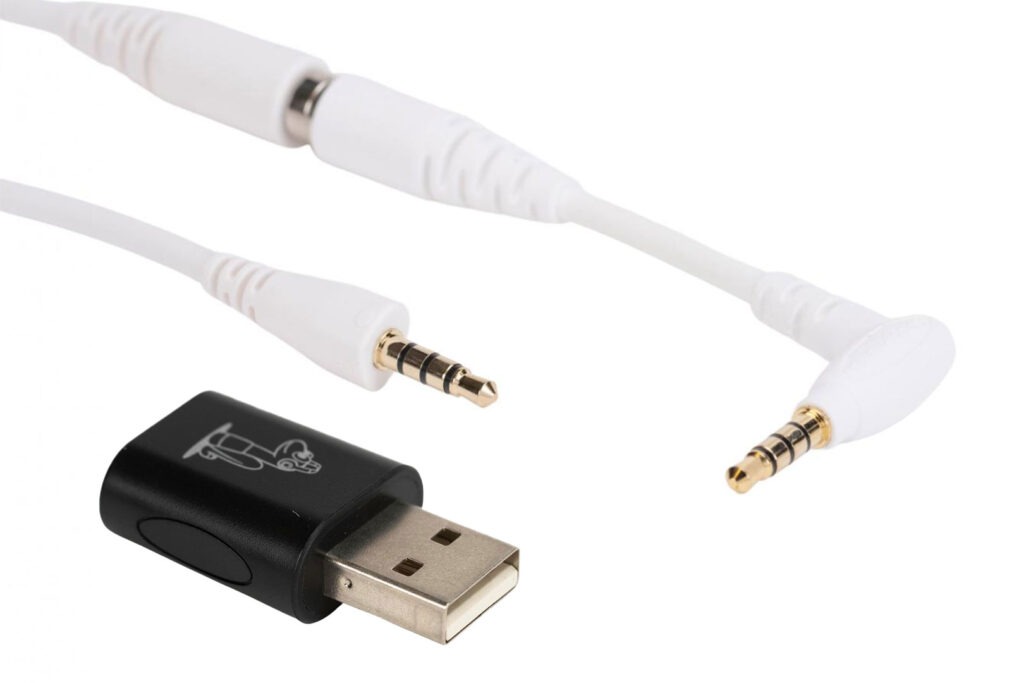
This is the most obvious issue. Some devices still use a standard 3.5 mm headphone jack, while others rely on USB-C or Lightning through an adapter. If the connector is wrong, the headphones are unusable the moment they arrive.
Testing and classroom use are treated as the same requirement
Daily listening, intervention software, language learning, and state testing do not always require the same setup. Some programs only need audio output. Others require a microphone or must meet specific testing guidance. Before ordering, compare your instructional use cases with your assessment requirements, including any state-specific guidance in a standardized testing headphones guide by state.
Schools buy for rooms instead of students
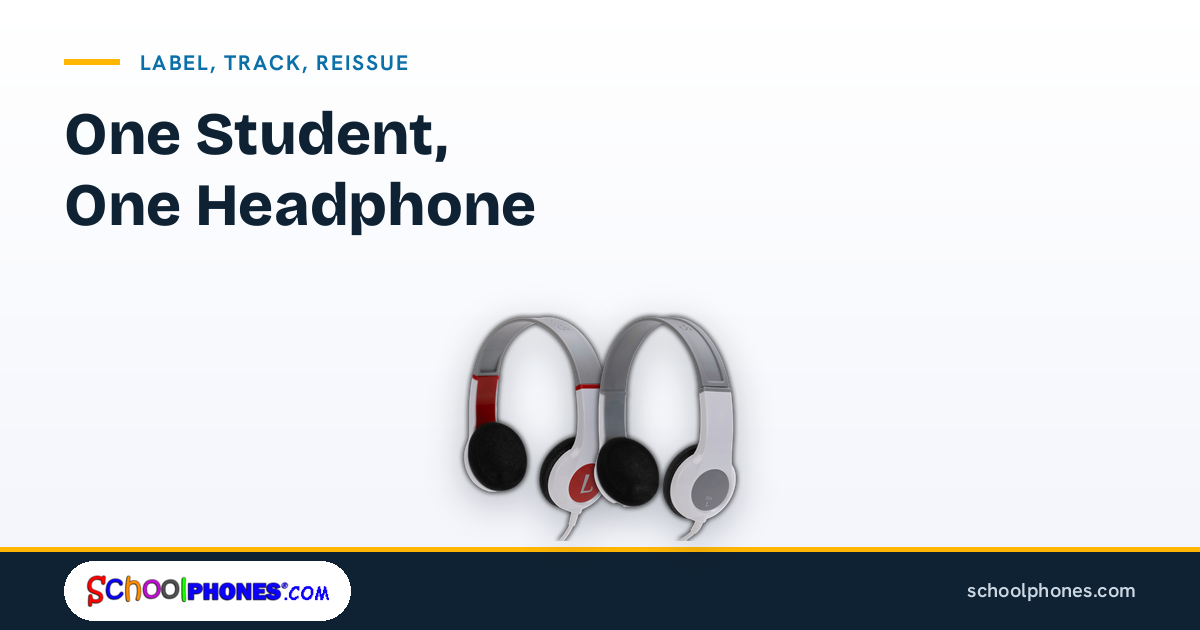
A 1:1 headphone-to-student model is easier to manage than rotating classroom sets. One dedicated headphone per student improves hygiene, reduces wear from constant redistribution, and makes accountability much clearer for teachers and support staff.
Adapters are added as an afterthought
Adapters can solve a real compatibility problem, but only if they are selected intentionally and ordered in the right quantities. When adapters are sourced separately at the last minute, schools often end up with inconsistent parts across buildings and avoidable support tickets.
The district standard ignores grade-level differences
Younger students may need a different fit, simpler controls, or a more flexible design than older students. A district can still standardize successfully, but it may need one elementary model and one secondary model rather than a single universal choice.
Which connectors to standardize first
If your goal is to avoid compatibility problems, start with the connector inventory. Do not begin with color, packaging, or even unit price. Begin with the ports students actually use every day.
Step 1: Audit ports by device type and grade band
List every student-facing device in use across the district:
- Chromebooks by model
- iPads by generation and case setup
- Windows or Mac desktops and laptops
- Testing kiosks or dedicated assessment devices
- Assistive technology devices that require audio accessories
For each device, document whether it uses:
- 3.5 mm audio jack
- USB-C audio
- Lightning through an adapter
- Separate headphone and microphone jacks
- A combo TRRS jack for audio and mic
Step 2: Standardize around the most stable connector in your fleet
In many schools, the 3.5 mm connection remains the simplest standard because it works across a wide range of Chromebooks, laptops, desktops, and many tablets. It is also easier for teachers to troubleshoot than a mix of digital audio accessories.
That said, the right standard depends on your actual fleet. If your district has moved heavily toward USB-C-only devices, it may make more sense to standardize there, or to standardize on 3.5 mm headphones plus a district-approved adapter strategy.
Step 3: Decide whether you need headphones or headsets
Not every classroom needs a microphone. If students only need to listen, standard headphones may be the better fit. If they use speech recording, language platforms, teletherapy, or online assessments with spoken responses, a headset may be necessary.
Separating listening-only classrooms from microphone-required classrooms can reduce unnecessary spending and simplify support.
Step 4: Limit exceptions
Every exception adds complexity. If one school uses a different connector, one grade uses a different adapter, and one lab needs a different plug type, receiving and deployment become much harder. Standardize as much as possible, then document the few exceptions clearly.
How to match headphones to Chromebooks, iPads, and PCs
Once you know your connector standard, match it to the devices students use most often. This is where many bulk orders either become easy to manage or difficult to support.
Chromebooks
Many school Chromebooks still support 3.5 mm audio, which makes them relatively straightforward for bulk headphone purchasing. The main questions are durability, cord length, and whether students need a microphone.
For Chromebook-heavy classrooms, look for:
- A connector that matches the exact Chromebook models in service
- Durable construction for daily student handling
- Volume-limited designs appropriate for school use
- Replaceable or manageable components where possible
If your district uses headphones for assessments, review options built for that environment, such as headphones for online testing.
iPads
iPad compatibility depends heavily on model generation and case setup. Some schools use iPads with a headphone jack, while others rely on Lightning or USB-C workflows. Protective cases can also interfere with plug fit, especially when the connector housing is bulky.
Before ordering, confirm:
- The exact iPad model in each building
- Whether the case blocks full connector insertion
- Whether adapters are already district-approved
- Whether students need audio only or audio plus microphone
A dedicated review of school headphones for iPads can help teams avoid ordering a plug type that works in theory but not in the field.
Desktop and laptop PCs
PC environments can be more varied than schools expect. Some devices have a single combo jack. Others have separate ports for headphones and microphones. Labs may also include older hardware that does not match classroom carts.
For PCs, verify:
- Whether the device uses a single combo audio jack or split ports
- Whether testing software requires only listening or also speaking
- Whether front-panel ports are active and reliable
- Whether accessibility accommodations require a specific setup
Mixed-device classrooms
If students move between devices during the week, choose the setup that creates the fewest exceptions. In many cases, that means standardizing one durable headphone model and pairing it with a documented adapter plan for the smaller subset of devices that need it.
For younger learners, fit and ease of use matter just as much as connector type. Districts serving early grades may also want to compare options designed as school headphones for kids when building elementary-specific orders.
What to include in a district bulk order
A strong bulk order is more than a quantity and a model number. It should reflect how the headphones will be used, supported, and replaced over time.
Core product specifications
- Connector type
- Headphone or headset configuration
- Volume-limited design, such as 85 dB-limited models
- Cable style and length
- Grade-band fit requirements
- Color or labeling needs for inventory control
Device compatibility notes
Add a short compatibility note to the order documentation for each building or program. This should identify the intended device type and any approved adapter requirement. That extra line item can prevent confusion during receiving and deployment.
A 1:1 student assignment plan
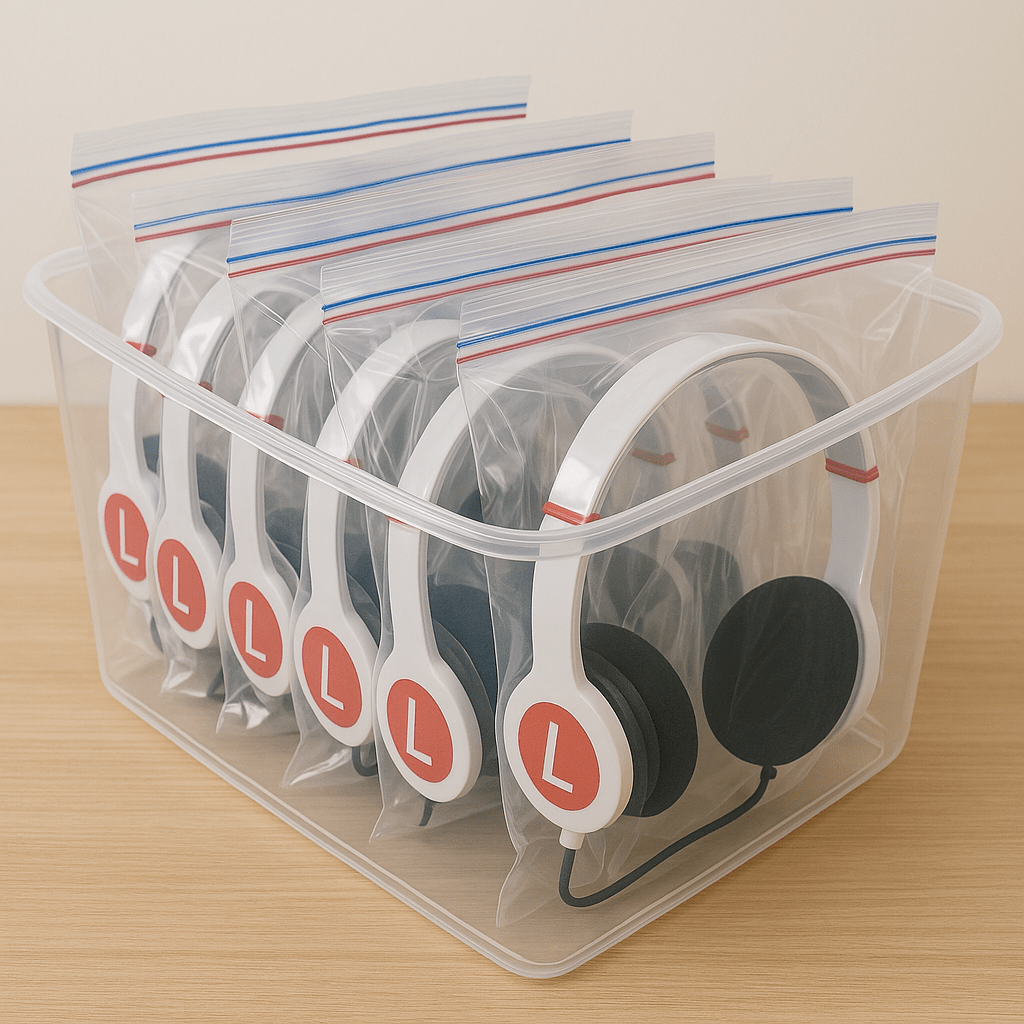
Order enough units so each student can have one dedicated headphone. This approach supports hygiene, reduces breakage from constant redistribution, and makes it easier to identify missing or damaged units.
Spare units for break/fix, not shared rotation
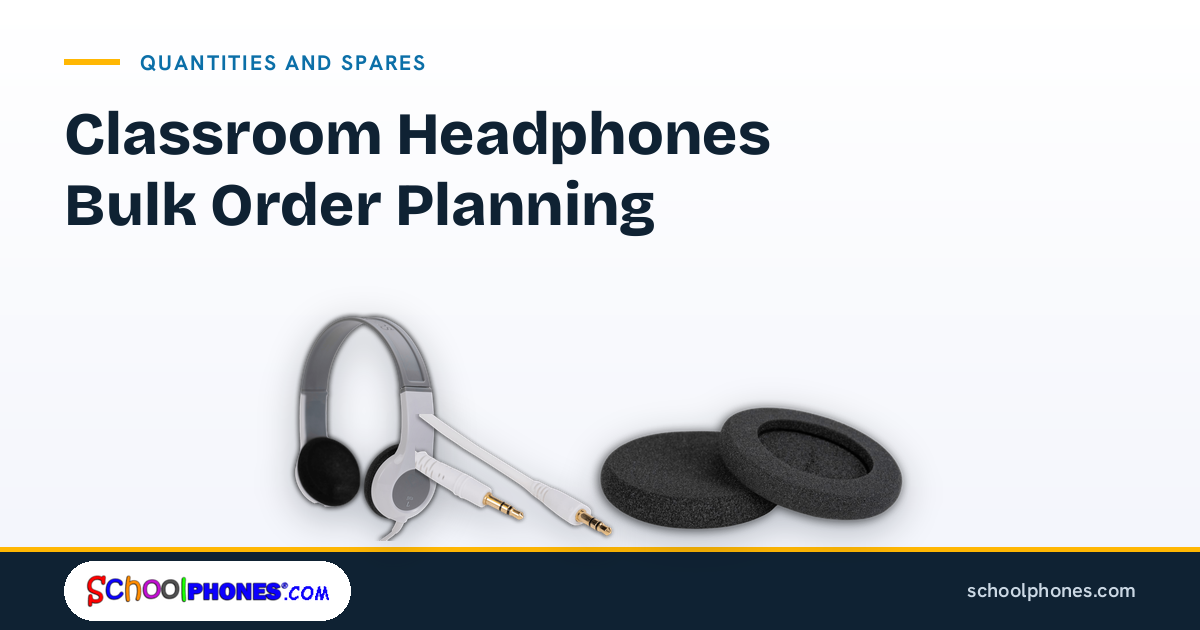
It is practical to keep a small number of unopened replacement units for damaged or failed headphones. The goal is not a communal pool for routine sharing, but a controlled replacement process that preserves the 1:1 model.
Procurement details that save time later
- Building-by-building quantities
- Room or grade-level allocation lists
- Approved adapter quantities where needed
- Receiving contact for each site
- Asset or labeling instructions if used locally
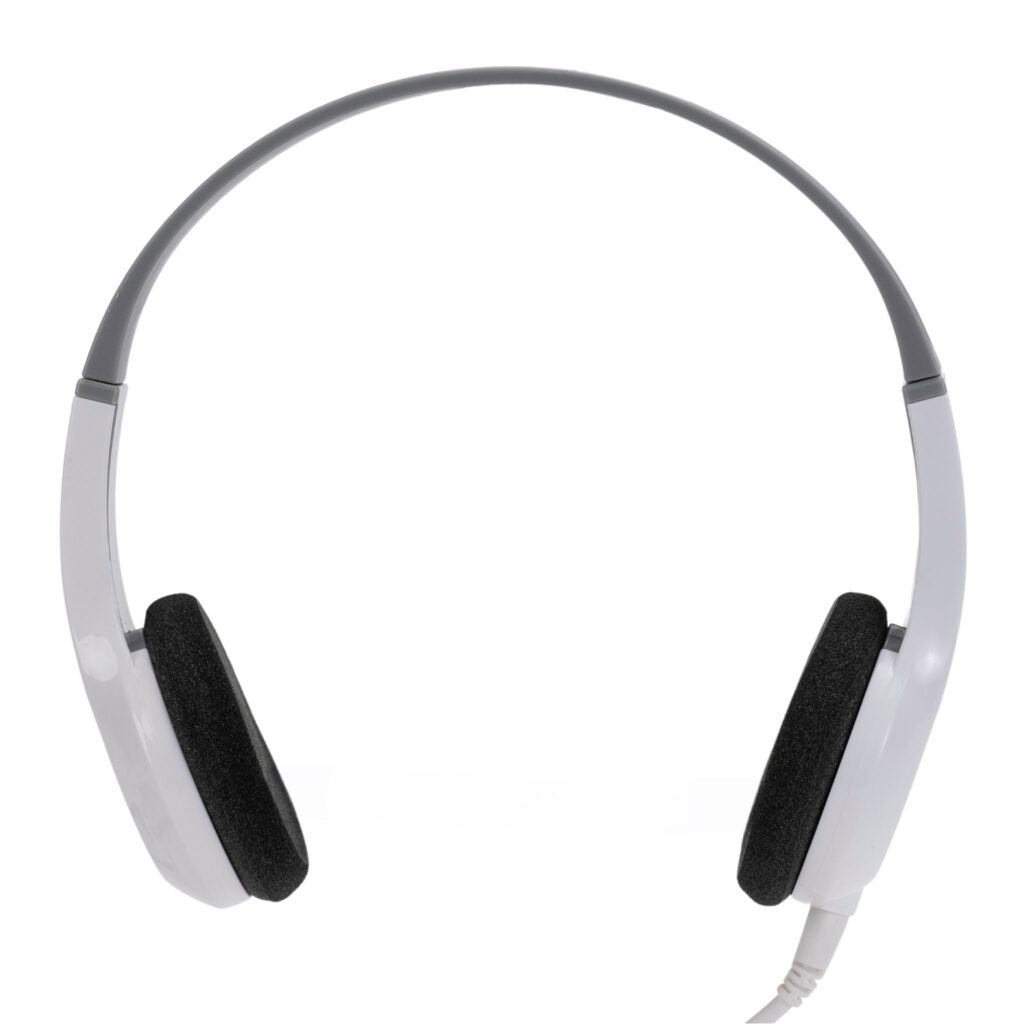
If you are comparing models, it can help to start with a durable baseline option such as the BKS durable affordable bulk school headphone and then map it against your connector and grade-level requirements.
Simple receiving and rollout checklist
Even the right product can create problems if rollout is rushed. A simple receiving process helps schools catch compatibility issues before the first day of use.
At receiving
- Verify model numbers against the purchase order.
- Confirm connector type before distributing cartons to classrooms.
- Test a sample unit on each major device type in the building.
- Check fit with protective cases and carts.
- Separate any adapter-dependent units and label them clearly.
Before student distribution
- Assign one headphone to each student whenever possible.
- Label by student, homeroom, or device cart if that matches your workflow.
- Provide teachers with a one-page compatibility note.
- Document where replacement stock is stored.
- Train staff on basic troubleshooting for loose plugs, muted device settings, and damaged cords.
After rollout
- Track the first two weeks of support issues.
- Note any device models that need a different adapter or plug fit.
- Update your district standard before the next bulk purchase.
- Keep a record of which models performed best by grade band and device type.
The practical next step is to review your current device inventory, identify your connector standard, and build your order around a 1:1 student model. If you are ready to compare options, request a bulk quote or shop durable school headphones at SchoolPHONES®.com.
FAQ
What is the best connector for classroom headphones in bulk orders?
The best connector is the one that matches the largest share of your active student device fleet. In many schools that is still 3.5 mm, but districts with newer USB-C-only devices may need a different standard or a documented adapter plan.
Should schools buy headphones or headsets in bulk?
Buy headphones when students only need to listen. Buy headsets when instruction or testing requires a microphone for speaking, recording, or oral responses.
How many classroom headphones should a school order?
The most practical approach is one dedicated headphone per student, plus a small number of replacement units for break/fix needs. A 1:1 model supports hygiene, accountability, and more consistent fit.
Do iPads and Chromebooks need the same school headphones?
Not always. Compatibility depends on the exact device model, port type, and whether a case affects connector fit. Always verify the connector and test a sample before placing a district-wide order.
What should procurement teams check before approving a bulk headphone order?
Confirm connector type, device compatibility, microphone requirements, grade-band fit, adapter needs, and building-level quantities. It also helps to document how the headphones will be assigned and supported after delivery.

Leave a Comment!