
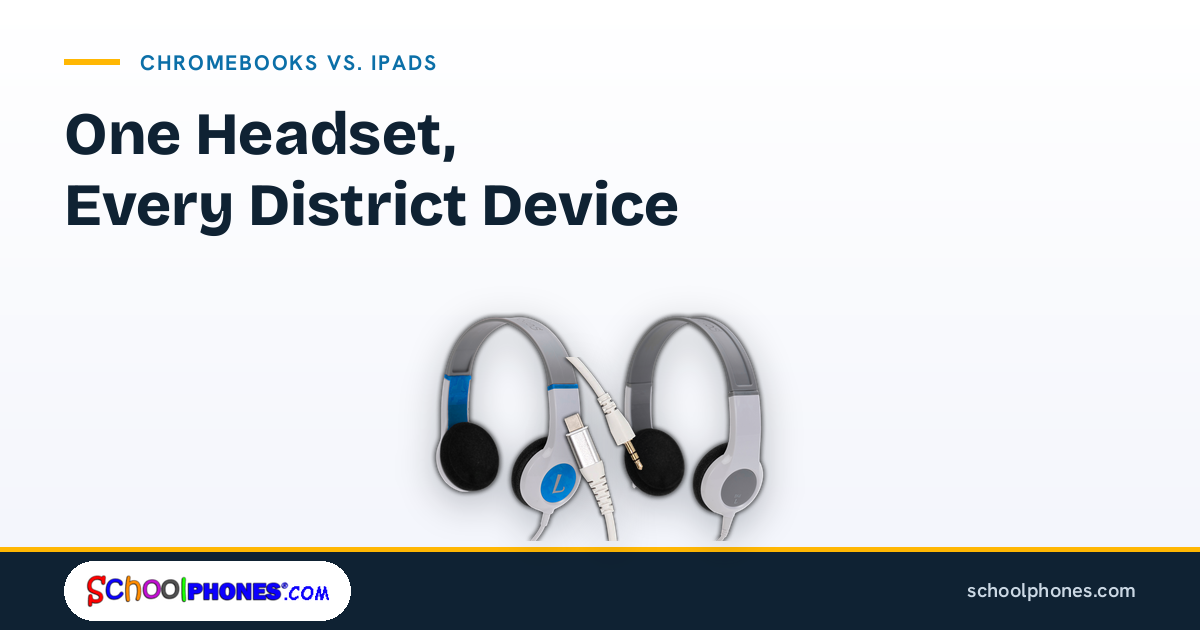
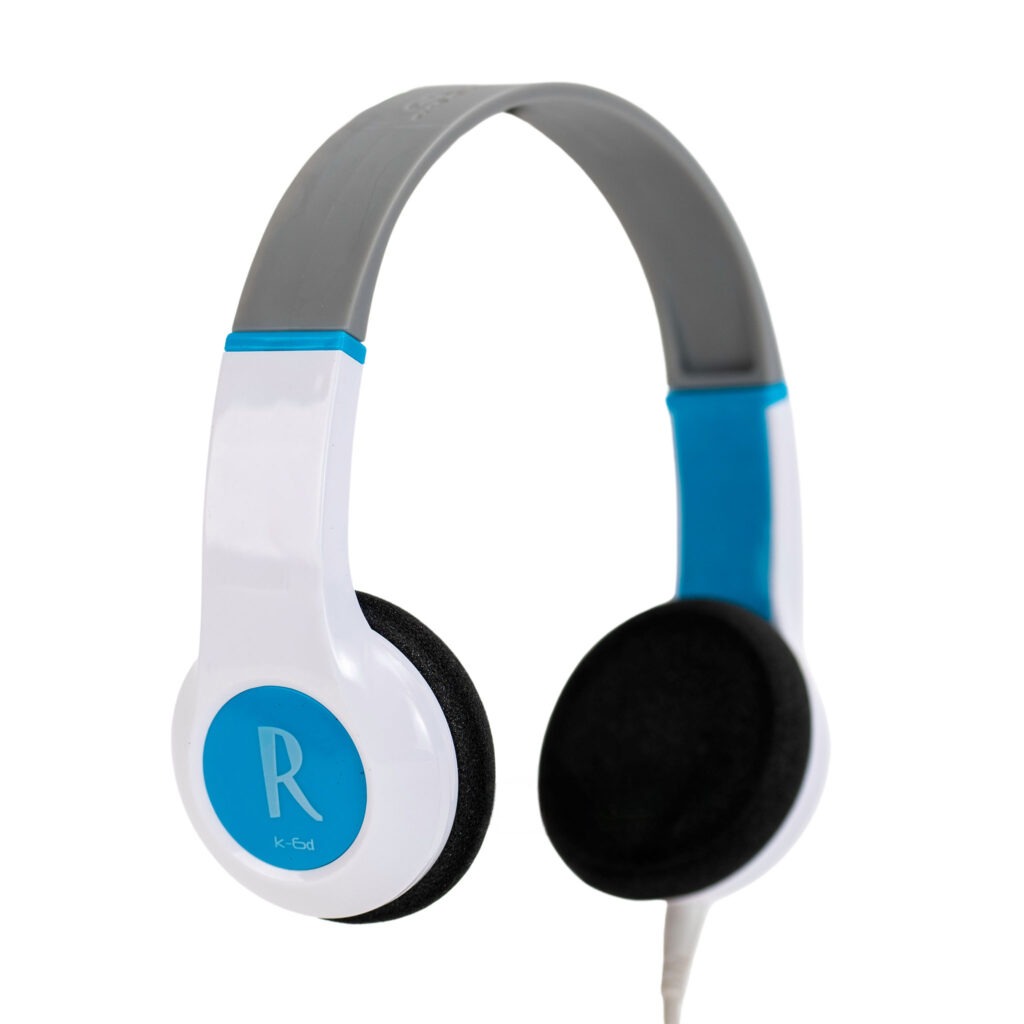
Many K-12 districts now support a mix of Chromebooks and iPads across grade levels, intervention programs, and testing environments. While both platforms handle student audio well, the support burden often comes from inconsistent headphone specs, not the devices themselves. For school IT teams, the fastest way to reduce avoidable troubleshooting is to standardize the parts of the audio setup that matter most: connector type, device fit, testing readiness, and a 1:1 headphone-to-student plan.
This matters because Chromebooks and iPads do not always present the same physical ports, case clearances, or classroom use patterns. A district can buy durable headphones and still create daily friction if plugs, adapters, or cable lengths are not aligned to the actual fleet. The goal is not to find one headphone for every possible scenario at any cost; it is to define a standard that works across the largest share of devices and classrooms with the fewest exceptions.
Why Chromebook and iPad fleets create different audio needs
Chromebooks are common in testing, writing, and web-based classroom workflows, while iPads are often used in early learning, intervention, and app-based instruction. That difference affects how students handle devices, how often headphones are plugged in and removed, and what kind of connector stress schools should expect over time.
Chromebooks usually reward simple, durable wired setups
In many schools, Chromebooks are used at desks, in carts, and during online assessments. That makes wired headphones a practical choice because they avoid charging schedules and Bluetooth pairing issues. For districts planning around assessments, it helps to review headphones for online testing requirements early so classroom purchases do not conflict with testing needs later.
Chromebook environments also tend to expose weak points quickly. Students may plug and unplug headphones several times a day, move devices between classes, or store them in carts. For that reason, IT teams often benefit from standardizing around durable cables, reinforced plug areas, and straightforward compatibility rather than feature-heavy consumer models.
iPads introduce more variation in ports, cases, and handling
iPad fleets can be more complicated because compatibility depends on the specific generation, case design, and whether the device still includes a 3.5 mm headphone jack or relies on a different port. Even when a headphone technically fits the device, a bulky protective case can interfere with the plug seating fully.
Schools using iPads across multiple grades should map device models before purchasing. A district that assumes all iPads use the same audio connection can end up buying adapters for one building and not another. For a closer look at model-specific considerations, SchoolPHONES® offers a practical guide to headphones for iPads.
A 1:1 headphone model is easier to manage than shared audio
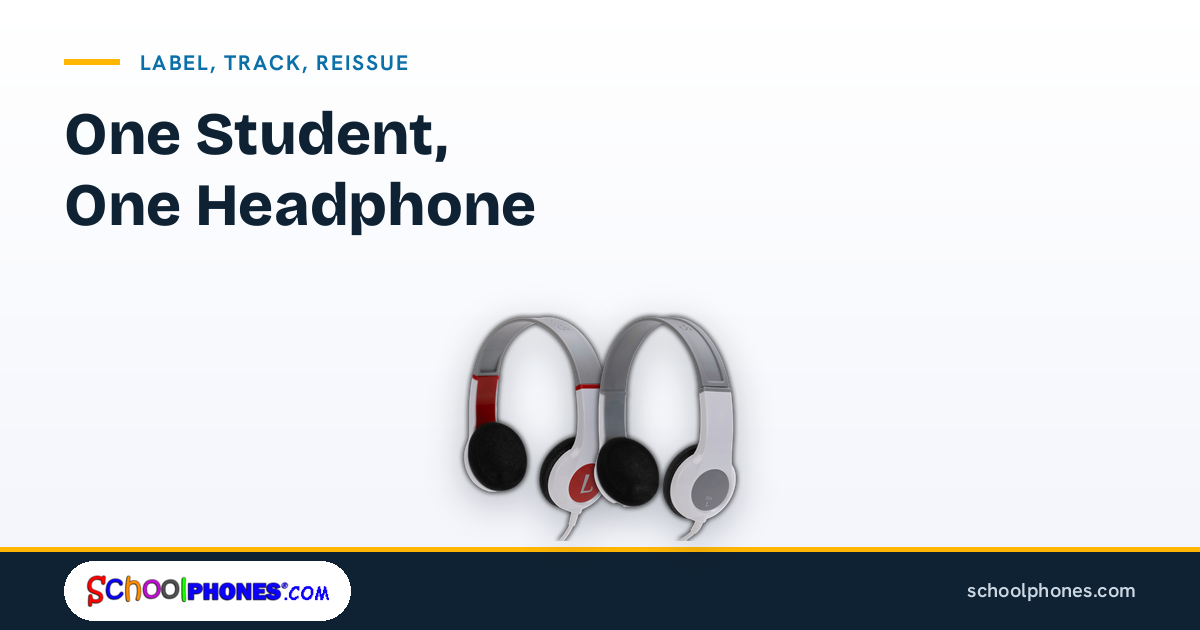
Mixed-device fleets are already complex enough without adding communal headphone rotation. A dedicated headphone for each student supports better hygiene, clearer accountability, more consistent fit, and less wear from constant redistribution. It also makes troubleshooting easier because staff can isolate whether a problem follows the student headphone or stays with the device.
Connector types that reduce support tickets
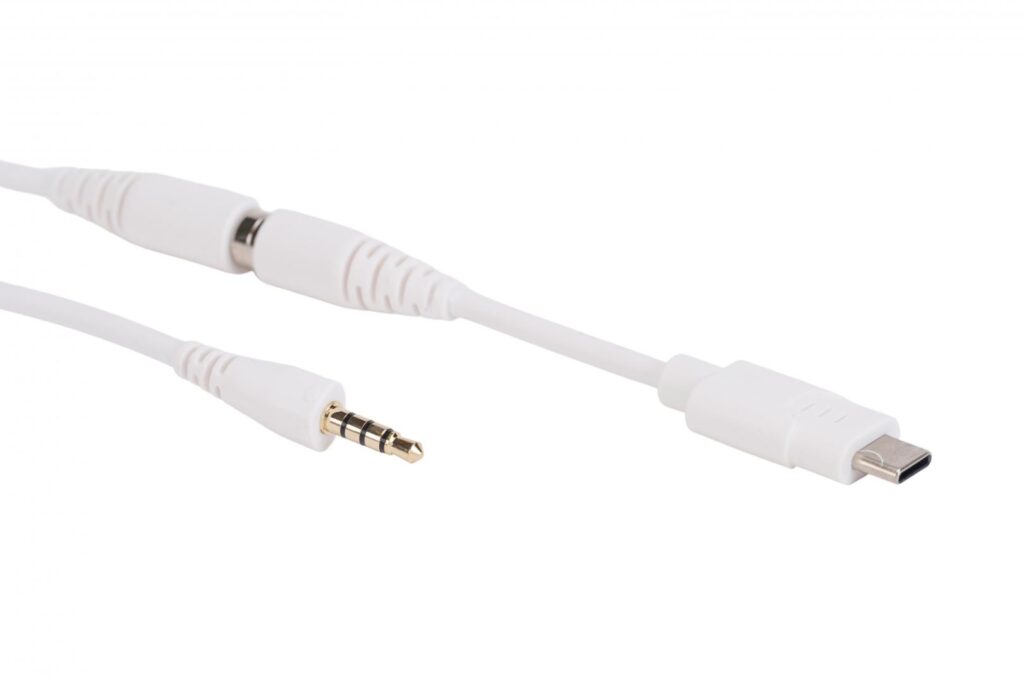
If IT teams standardize only one thing first, it should be the connector strategy. Most recurring audio tickets in schools come from a short list of issues: the plug does not fit, the adapter is missing, the case blocks the connection, or the headset function does not behave as expected on the device.
Start with the physical port inventory
Before selecting headphones for Chromebooks, document the ports in use across the district:
- Chromebooks with a 3.5 mm audio jack
- iPads with a 3.5 mm headphone jack
- iPads that require a different connector or district-approved adapter
- Any protective cases that narrow or recess the port opening
This inventory should be done by building and grade band, not just districtwide. Exceptions often hide in small pilot programs, special education classrooms, media labs, or older carts that remain in circulation.
Use as few adapter paths as possible
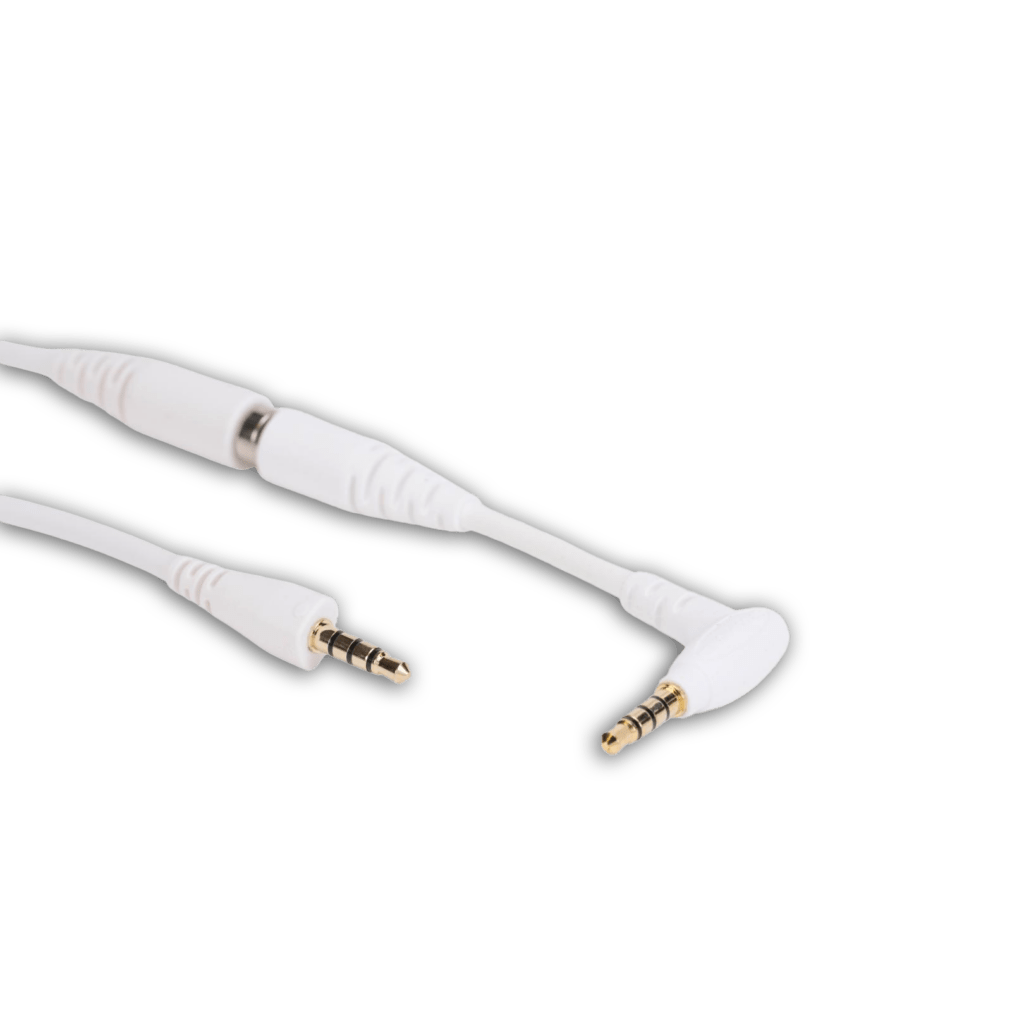
Adapters can solve a compatibility problem, but they also create inventory, replacement, and support issues. If a large share of your Chromebook fleet uses a standard 3.5 mm jack, and your iPad deployment can be aligned with a consistent adapter plan, that may still be manageable. But if every building uses a different combination of plugs and adapters, support tickets multiply quickly.
In practice, districts usually benefit from choosing one primary wired standard for the majority of students and then documenting a limited exception path for devices that need an adapter. The fewer exceptions you create, the easier it is for teachers and media staff to support classroom audio without calling IT.
Pay attention to plug shape and case clearance
A common mistake is evaluating only the connector type and not the connector housing. Some headphone plugs are too thick or too short to seat properly through rugged student cases. That can lead to intermittent sound, one-sided audio, or the false assumption that the headphone is defective.
When reviewing options, test the exact headphone plug against the exact student case in use. This is especially important for iPads and tablets in heavy-duty protective enclosures. Districts comparing broader tablet compatibility may also find SchoolPHONES® resources on headphones for tablets useful during planning.
How to standardize across grades and buildings
Standardization does not always mean one identical model for every student. It means creating a district audio standard that is simple enough to support, purchase, replace, and explain.
Build around use case, not just device type
Start by grouping students into practical categories:
- General classroom listening on Chromebooks
- iPad-based early learning and intervention
- State and standardized testing
- Students who need headsets with microphones for recording or language work
From there, define which audio products are approved for each category. This avoids the common problem of every school ordering something different based on short-term availability.
Keep the approved list short
A short approved list helps procurement and support teams stay aligned. For many districts, that means:
- One primary headphone model for most student listening
- One testing-approved option for assessment environments
- One headset option where a microphone is required
- A clearly documented adapter only where necessary
That structure is easier to train on, easier to reorder in bulk, and easier to support over time than a long list of near-duplicates.
Standardize ownership with one headphone per student
Districts that want fewer losses and cleaner accountability should assign one dedicated headphone to each student whenever possible. A 1:1 model reduces hygiene concerns, limits confusion about damage responsibility, and helps students become familiar with their own equipment. It also supports more predictable replacement planning because usage is tied to individual ownership rather than uncontrolled circulation.
For schools building or refreshing a districtwide program, the main school headphones and media headsets collection can help teams compare durable classroom-ready options by use case.
Testing headphones before district rollout
Even a well-chosen standard should be validated before a full purchase. A short pilot can prevent a year of avoidable support issues.
Run a compatibility check with real devices and cases
Test headphones on the actual Chromebook and iPad models students use, including any protective cases. Confirm:
- The plug seats fully and consistently
- Audio plays clearly in both ears
- The cable length works at desks and in carts
- Students can connect and disconnect without damaging the port
Do not rely on a spec sheet alone. Small physical differences often matter more than the listed connector type.
Include testing platforms in the pilot
If the same headphones may be used for assessments, validate them in the testing environment too. Districts should compare purchases against state and platform requirements before rollout. SchoolPHONES® provides a helpful standardized testing headphones guide by state that can support this review.
Get feedback from teachers and support staff
Teachers often notice practical issues before IT sees a ticket. Ask pilot classrooms whether students can connect the headphones independently, whether the cable gets tangled in desks or cases, and whether storage is realistic. Include media specialists, paraprofessionals, and testing coordinators if they will support the same equipment.
Common compatibility mistakes to avoid
Most district audio problems are predictable. Avoiding a few common mistakes can save time, replacement cost, and classroom disruption.
Buying by price alone
The lowest unit cost is not always the lowest operating cost. If a headphone fails quickly, does not fit student cases, or requires constant adapter replacement, the support burden can outweigh the initial savings. Schools should evaluate durability, connector fit, and ease of standardization alongside price.
Assuming all iPads or all Chromebooks are the same
Mixed fleets often include multiple generations and exceptions. A district standard should be based on the actual inventory in service, not a general assumption about the platform.
Overlooking microphone needs
Some classrooms only need listening headphones, while others need headsets for recording, language learning, or virtual instruction. If the district does not define those use cases upfront, schools may buy incompatible products for the same grade band.
Ignoring storage and handling
A compatible headphone can still fail in practice if it is difficult for students to store, wrap, or transport. Durability includes the cable, plug, and strain points, but it also includes whether the product fits the daily routine of the classroom.
Treating headphones as a shared classroom accessory
When headphones are rotated among students, schools take on more hygiene concerns, more wear, and less accountability. A dedicated 1:1 assignment is the cleaner and more manageable standard for K-12 environments, especially in mixed-device programs where consistency matters.
The most effective district standard is usually the simplest one: define the primary connector, limit exceptions, test with real devices and cases, and assign one headphone per student. If your team is updating audio for Chromebooks, iPads, testing, or mixed-device classrooms, the next practical step is to review approved options and align them to your fleet. Request a bulk quote or shop durable school headphones at SchoolPHONES®.com.
FAQ
Can the same headphones work for both Chromebooks and iPads?
Yes, sometimes. The key is matching the connector to the actual device models and checking whether protective cases interfere with the plug. Districts should test with real classroom devices before standardizing.
What is the best connector choice for headphones for Chromebooks?
For many school fleets, a standard wired 3.5 mm connection is the simplest option when the devices support it. It reduces charging and pairing issues and is usually easier for students and staff to manage.
Should schools use adapters to make one headphone model fit every device?
Only when necessary. Adapters can help with compatibility, but they also add replacement and support complexity. Most districts benefit from minimizing adapter use and documenting a small number of exceptions.
Why is a 1:1 headphone-to-student model better than classroom sharing?
A dedicated headphone per student supports better hygiene, clearer accountability, more consistent fit, and less wear from constant redistribution. It also makes troubleshooting easier because staff can isolate issues more quickly.
How should districts test headphones before a bulk purchase?
Run a pilot with the exact Chromebook and iPad models in use, including protective cases and testing platforms. Confirm connector fit, audio quality, cable practicality, and ease of student use before rollout.

Leave a Comment!