
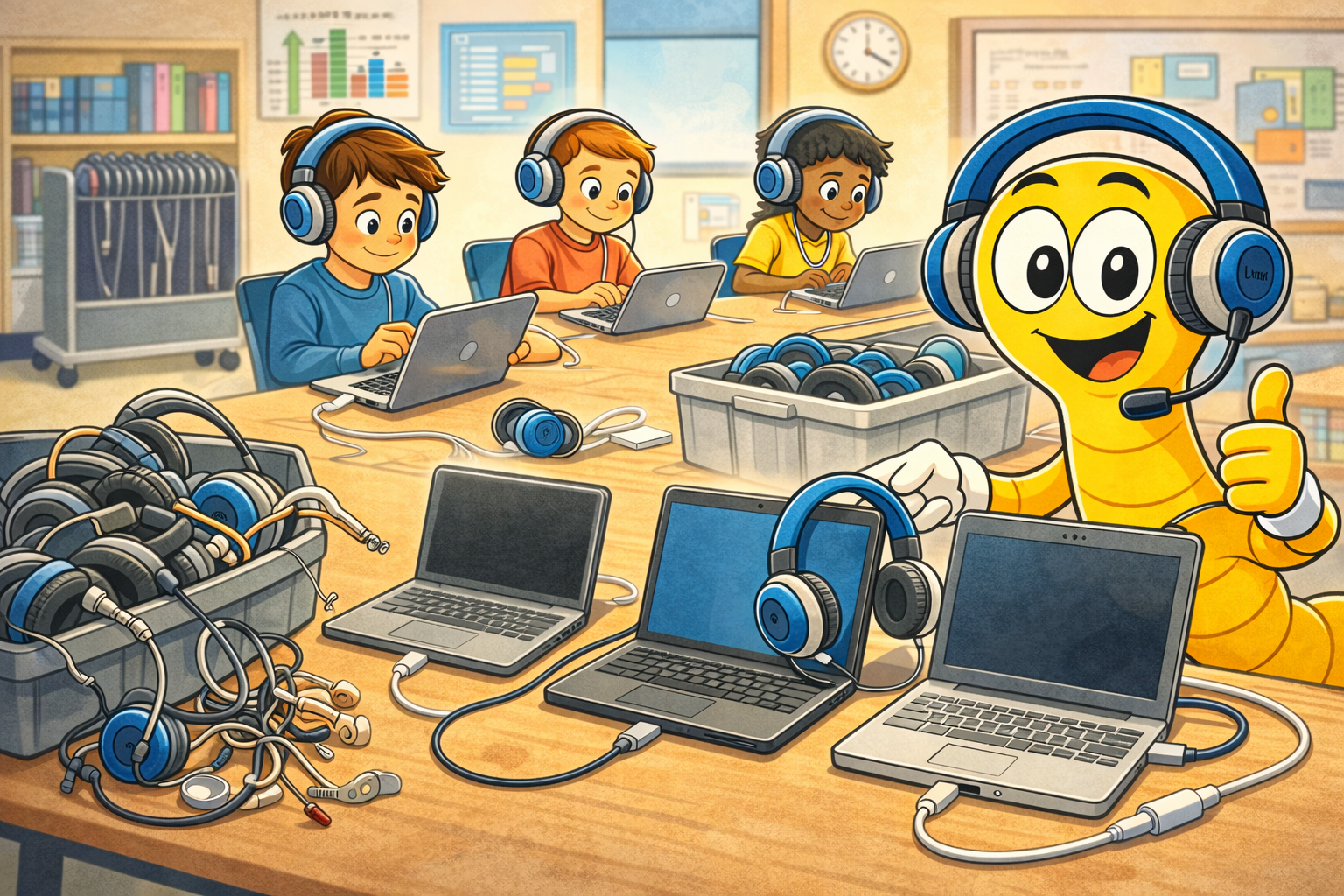
Chromebooks dominate the K-12 classroom, with over 40 million units deployed in U.S. schools. But finding the right headphones for these devices requires understanding ChromeOS compatibility, durability requirements, and the unique demands of daily student use. This guide breaks down everything you need to know about choosing headphones for school Chromebooks in 2026.
Why Standard Consumer Headphones Fail in Schools
Walk into any school tech closet, and you’ll find a graveyard of broken consumer headphones. The $15 pair from the electronics store that works fine at home collapses after two weeks of classroom use. Here’s what goes wrong:
- Thin plastic headbands snap when students bend them too far or drop them
- Cable connections fray at stress points where students pull and twist
- Ear cushions degrade from shared use and cannot be replaced
- Bluetooth models cause chaos — pairing issues, dead batteries, cross-connecting to wrong devices
Education-grade headphones like SchoolPHONES® are engineered to withstand exactly these challenges. Reinforced polypropylene headbands, chew-resistant cables, and replaceable ear cushions make the difference between a headphone that lasts a semester and one that lasts all year.
Chromebook Audio Connections: What Works
Not every headphone connects to every Chromebook the same way. Here’s the breakdown of connection types you’ll encounter across school Chromebook fleets:
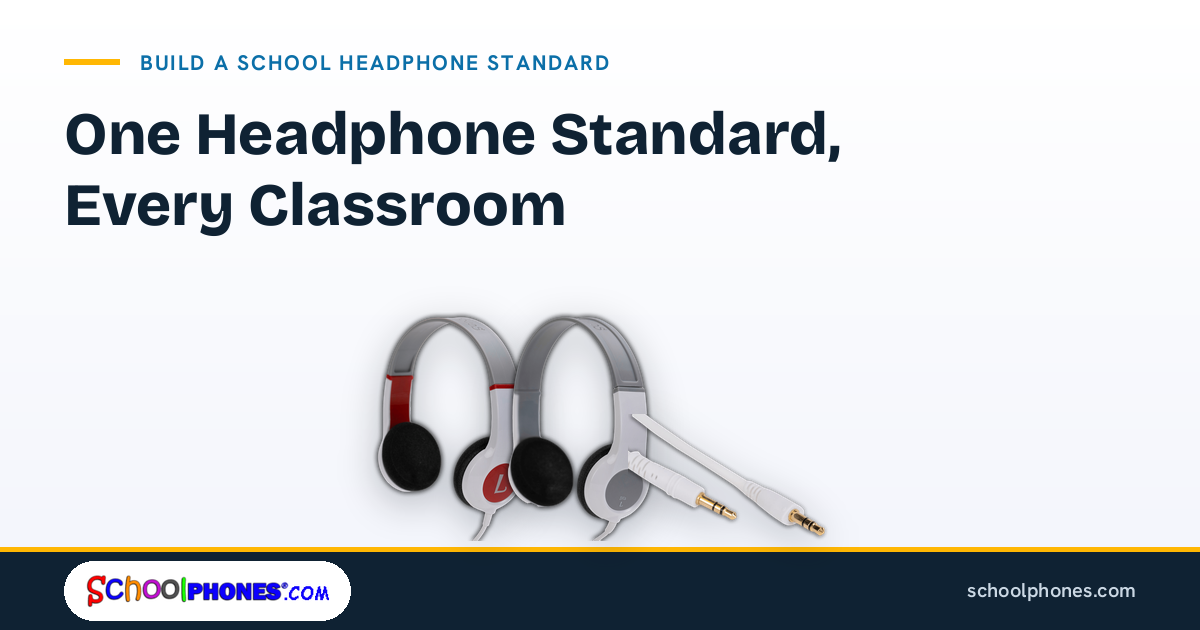
3.5mm Audio Jack (Most Common): The traditional headphone jack remains the most universal connection. Nearly all Chromebook models — from Acer, HP, Lenovo, Dell, Samsung, and ASUS — include a 3.5mm combo audio jack that handles both headphone output and microphone input. This is the safest choice for schools managing mixed Chromebook fleets.
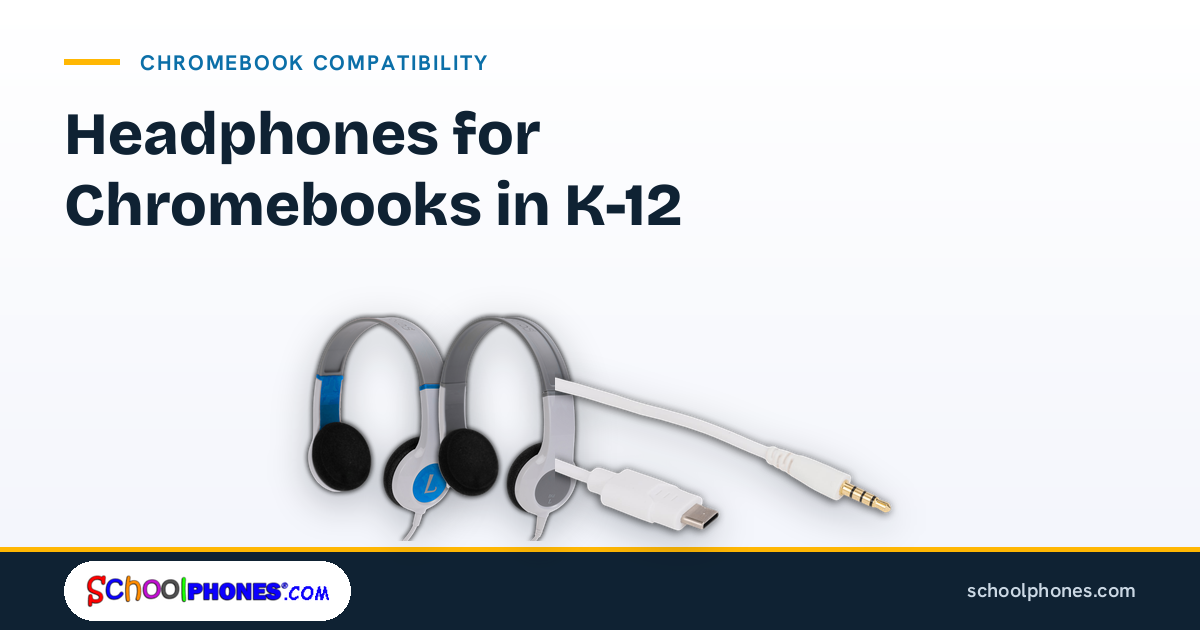
USB-C Audio: Newer Chromebooks (2022+) increasingly use USB-C for audio, especially models that have removed the headphone jack to achieve thinner designs. USB-C headphones include a built-in DAC (digital-to-analog converter) and often deliver slightly better audio quality.
USB-A: Older Chromebook models with full-size USB ports support USB-A headphones. While less common in new purchases, many schools still have legacy fleets with USB-A connectivity.
Top Features for School Chromebook Headphones
When evaluating classroom headphones for Chromebooks, prioritize these features:
1. Volume Limiting (85dB)
The CDC recommends limiting children’s headphone exposure to 85 decibels to prevent noise-induced hearing loss. Volume-limited headphones ensure students can’t crank audio to dangerous levels, even during unsupervised computer time. SchoolPHONES® Small Kids models include built-in 85dB limiting.
2. Plug-and-Play Operation
Teachers lose valuable instruction time when technology doesn’t work immediately. Wired headphones connect instantly on ChromeOS — no drivers, no configuration, no Bluetooth menus. Students plug in and start learning.
3. Microphone for Communication
With the rise of hybrid learning, Google Meet integration, and speech-to-text tools, headphones with integrated microphones are increasingly essential. SchoolPHONES® Lab Partner series includes SpringBoom™ microphone technology optimized for voice clarity in noisy classrooms.
4. Durability for Daily Use
School headphones need to survive being tossed in bins, carried in backpacks, and used by multiple students daily. Look for reinforced headbands, strain-relief connectors, and field-replaceable parts like ear cushions and cables.
How to Order Headphones for Your School’s Chromebook Fleet
Most schools order headphones through their IT or procurement departments. SchoolPHONES® supports standard education purchasing workflows including purchase orders, quotes, and NET 30 terms. Every order gets manufacturer-direct pricing â the same low price whether you buy 1 or 1,000. No minimums, no tiered pricing.
View our complete Chromebook headphones guide or contact us for a custom quote tailored to your fleet.
USB-C Only Chromebooks: What You Actually Need
Newer Chromebooks increasingly ship without a 3.5 mm jack, and it is the single most common reason a district thinks it has to replace a working headphone fleet. It does not.
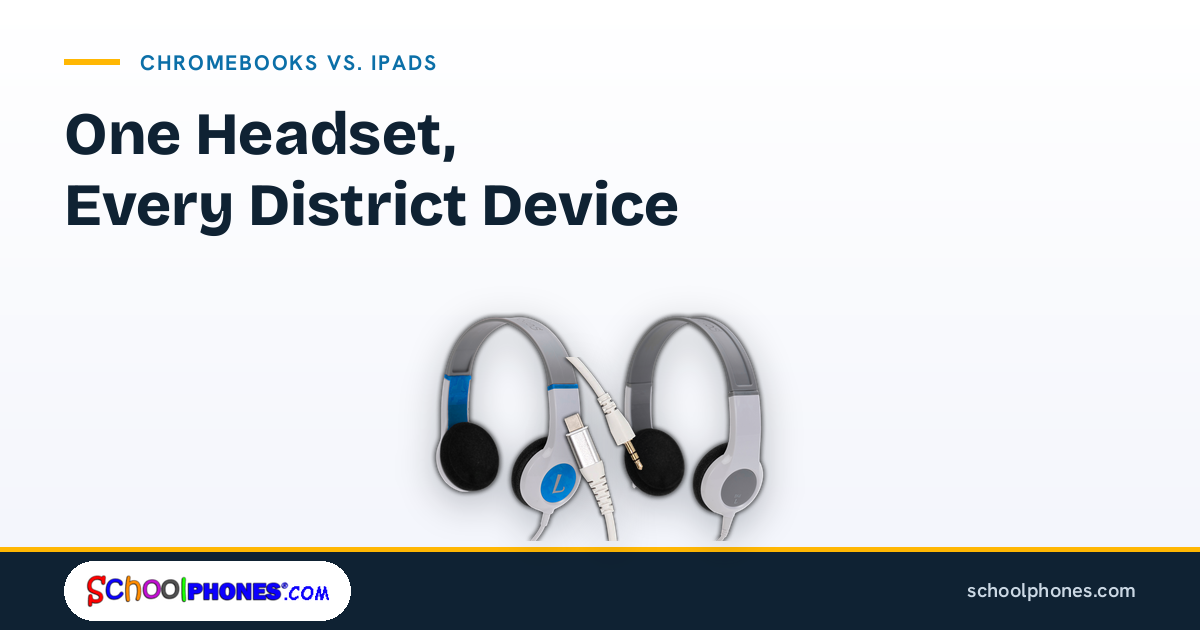
On D and M models the cable is a separate, replaceable part. Moving a headset from a jack-equipped Chromebook to a USB-C only one is a cable swap, not a new headset:
- USB-C headphones for Chromebooks: fit a USB-C audio cable to an existing K6D, K6M, BKD or BKM. The headset is unchanged; only the cord is different.
- Keep one part number per fleet. A district that standardizes on D or M models carries one cable SKU and swaps it as devices refresh, instead of running two incompatible headphone stocks.
- Plug-and-play on ChromeOS. Wired audio needs no driver, no pairing and no student account permission — it works on a managed device the moment it is plugged in.
If your fleet is mixed, buy the headsets once and the cables per room. That is the whole argument for modular hardware, and it is covered further on our headphones for Chromebooks and computers page.
Testing and Assessment on ChromeOS
Chromebooks carry most computer-based testing in K-12, which raises the stakes on the audio check at the start of a session. Two things reliably prevent problems:
- Wired, every time. Bluetooth introduces pairing, battery and cross-connection failures that testing platforms generally discourage or prohibit, and that a proctor cannot troubleshoot mid-session.
- Test the day before. Plug in, run the platform’s sound check, and set aside anything that fails. A cable failure found on Monday is a $2.50 fix; the same failure found during a session is a lost seat.
Requirements vary by state and platform — our standardized testing guide and state-by-state requirements page cover them, and the bulk testing headphones range is sized for testing season.
Managing a Mixed Chromebook Fleet
Few districts run one Chromebook model. A practical standard that survives a mixed fleet looks like this:
| Grade band | Model | Why |
|---|---|---|
| Pre-K – early middle school | K6D — $10.25 | Smaller fit, 85 dB hardware volume limiting, replaceable cable |
| Grade 5 – adult | BKD — $10.25 | Larger fit, full-range audio, same cable part number |
| Rooms that need a microphone | K6M / BKM — $16.50 | Fixed SpringBoom™ mic for speaking tasks and recording |
| Shared labs and listening centers | Lab Partner Jr. | Full-year warranty in shared use |
Sizing is a specification rather than a grade label — see the K6 versus BK sizing guide. For quantities, spares and PO handling, the district purchasing guide and the bulk order page are the next step.

Leave a Comment!